
Editions · Educator Edition available now · Consulting pilot open

One private AI foundation. A dashboard built for your profession.

Every Evolve AI drive carries the same local AI engine, models, and privacy controls. Each edition adds a dashboard designed around the daily work of one profession, so you start from the tasks you already do.

  • Runs on your own Windows computer
  • Works offline after setup
  • Portable: one drive per edition

Shared foundation on every drive

  • Local AI engine
  • Selected AI models
  • Privacy controls
  • Word & PDF export
  • Everyday Assistant
Each edition is a dashboard on top of the same local foundation. The Consulting Edition is in a pilot program, and more editions will be announced when they are ready.

Available now

Editions you can request today

Available now

Educator Edition

For teachers, instructors, and instructional designers

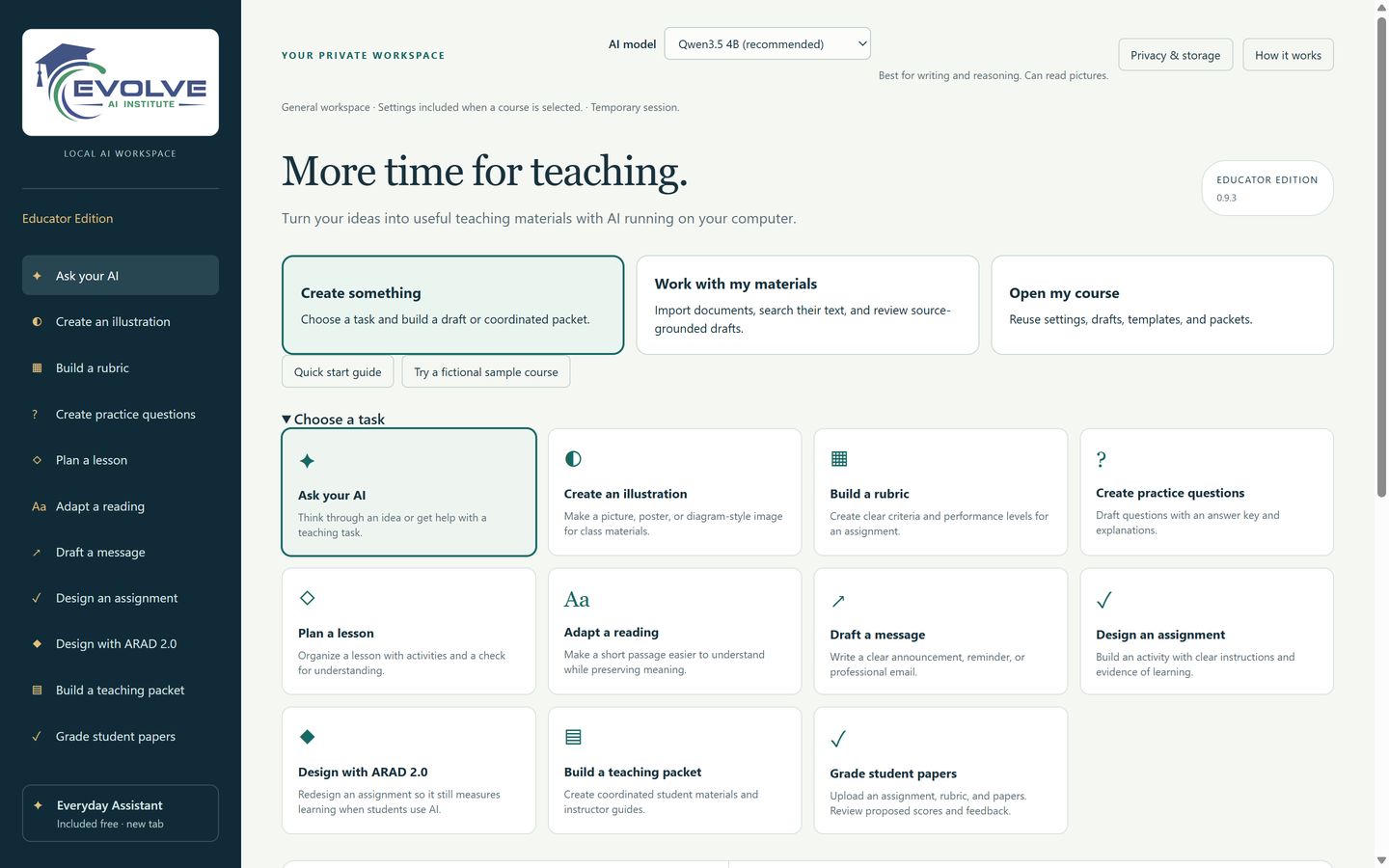
Create teaching materials, work with your documents, and review student papers using a dedicated educator workspace that can operate without an internet connection after setup.

  • Lesson plans, assignments, rubrics, practice questions, and adapted readings
  • Choice of three local AI models that can read pictures and recordings, plus illustrations (new in 0.9)
  • Design with ARAD 2.0: AI-responsive assignment design
  • Coordinated teaching packets with separate student and instructor bundles
  • Import TXT, DOCX, and PDF files, with optional local English OCR
  • AI-assisted rubric grading with instructor review and approval
  • Word export and Print / Save PDF
  • Everyday Assistant general chat included at no extra charge
The Build a rubric request form beside a generated rubric draft with a criteria table.
A rubric drafted by the local model in 9 seconds on the development computer. The sample course and assignment are fictional.

Pilot program · applications open

Consulting Edition

For independent consultants and small consulting firms

Turn intake notes, meetings, and client documents into proposals, action plans, and reports in a workspace organized around client engagements. Client material stays on your computer.

  • Client intake summaries, proposals, meeting action plans, and project reports
  • Fees, dates, and credentials left as placeholders you fill in
  • Proposal, kickoff, and report packets with separate client and internal bundles
  • Review a client document against your own checklist
  • Engagement profiles that carry client context into every request
  • Your firm name on Word and PDF exports
  • Everyday Assistant general chat included at no extra charge
The Build a proposal form beside a generated proposal whose fee table uses [FEE] placeholders.
A proposal drafted by the local model in 27 seconds on the development computer. Every fee stays a placeholder until you fill it in. The client is fictional.

Shared foundation

What every edition includes

  • A local AI runtime and selected AI models stored on the drive
  • A browser dashboard that talks only to the AI server on your computer
  • Controls for what each request includes, plus a preview of the exact request
  • Optional workspace saving with passphrase encryption
  • Word export and Print / Save PDF
  • Everyday Assistant, a general-purpose local chat, at no extra charge

Editions are separate drives. Policies for switching or upgrading between editions have not been set yet.

More editions are in development

Each future edition will pair the same local AI foundation with a dashboard designed for one profession’s work. We will announce editions here when they are ready to request.

Tell us which field you work in

Bring private AI into your teaching

The Educator Edition is available now on three drives, starting at the Pocket option. Choose your drive, or check that your Windows computer can run it first.